
A customer emails you a simple question on Monday morning. They get an answer on Wednesday afternoon.
By then they've already asked again, left a grumpy comment or bought from someone else.
Slow support rarely happens because people don't care. It happens because the same questions pile up, every reply gets written from scratch and nobody knows which ticket to tackle first. In this guide I'll show you how to cut your support response time without hiring more staff. If you're comparing helpdesk software instead, read our guide to AI helpdesk software for small businesses.
This post is about the process. The habits and setups that make replies faster, whatever tool you use.
Why Response Time Matters So Much
Think about the last time you waited days for a company to reply. How did you feel about them by the end?
Exactly.
A fast reply tells customers they matter. A slow one tells them the opposite, even when your final answer is perfect. Waiting also creates more work. People follow up, open second tickets, call, or post on social media. One slow question turns into three conversations.
So speeding up isn't just about being nice. It actually shrinks your workload.
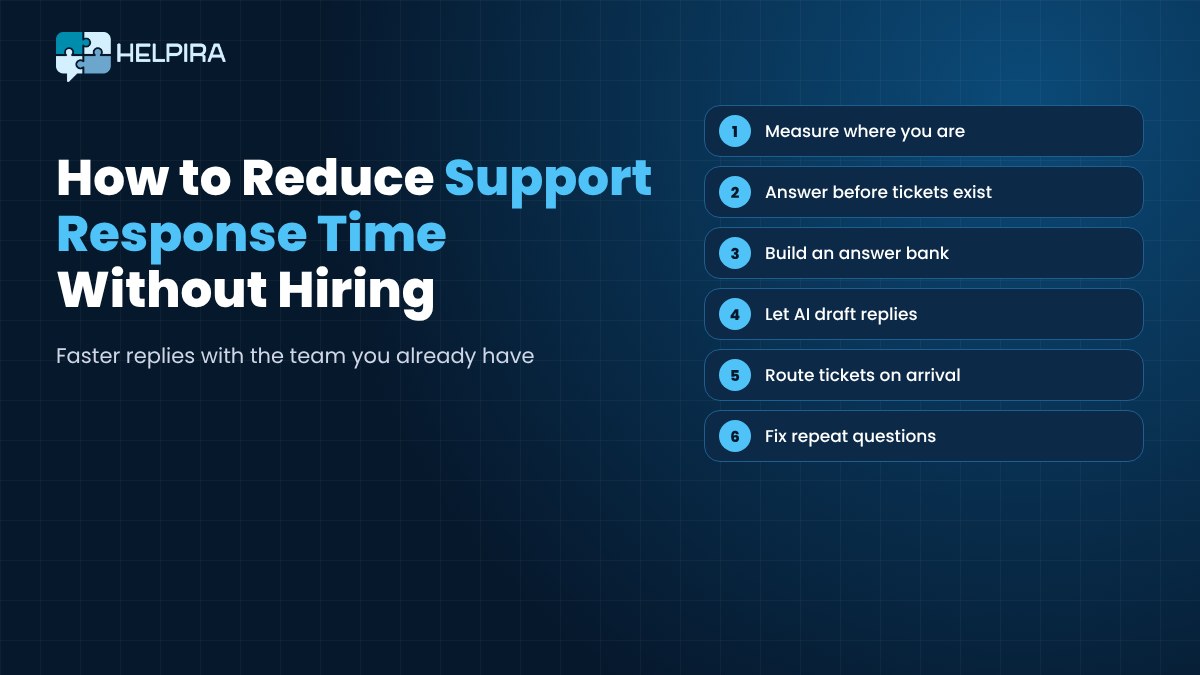
First, Measure Where You Are
You can't improve what you don't track. Before changing anything, look at two numbers.
- First response time. How long a customer waits for the first real reply.
- Resolution time. How long it takes until the problem is actually solved.
Most helpdesks show both. If you're working from a shared inbox, pick twenty recent emails and work them out by hand. It's boring, but it takes less than an hour and gives you a baseline.
While you're at it, note what those twenty emails were about. I'd bet a good chunk of them ask the same handful of questions.
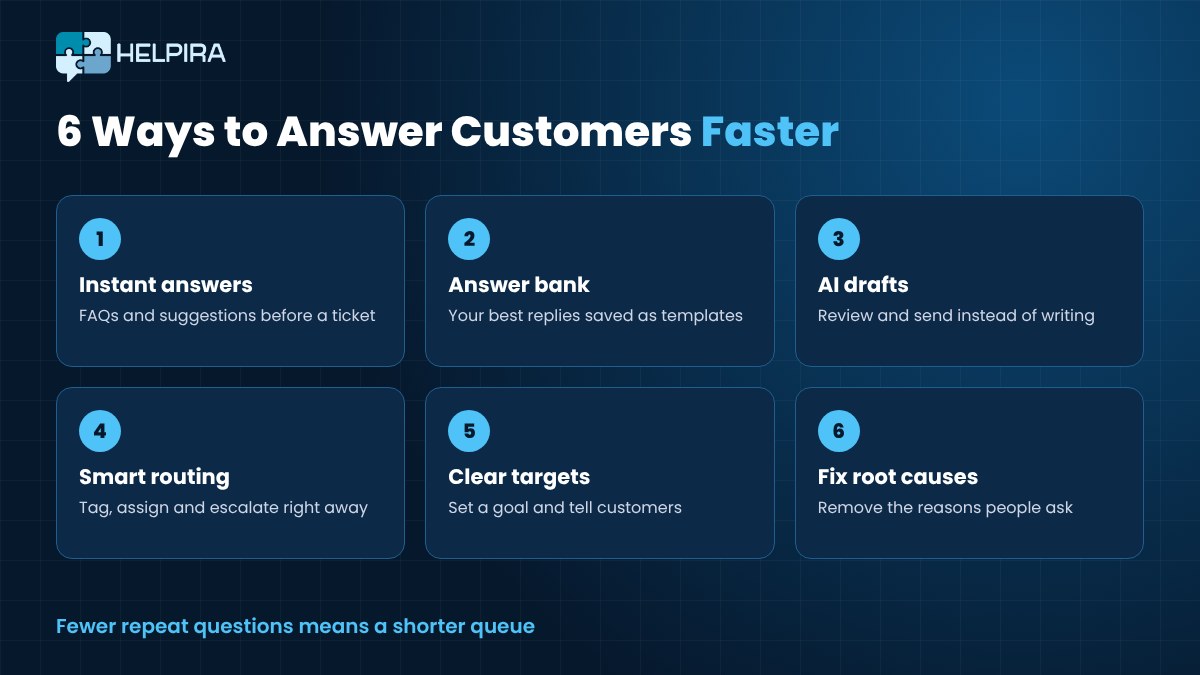
1. Answer Questions Before They Become Tickets
The fastest reply is the one you never have to write.
Look at your most common questions. Shipping times. Refunds. Password resets. Opening hours. Then make those answers impossible to miss.
- Put a clear FAQ on your website and link to it from your contact page.
- Add the answer to your order confirmation emails, if it's about orders.
- Show instant suggested answers when someone starts typing a question into your support form.
Every question a customer answers for themselves is one less ticket in the queue. And it's a faster answer for them too.
2. Build an Answer Bank and Use Templates
How many times have you written the same refund explanation this month?
Save your best replies as templates. Not stiff, robotic ones. Your actual best answers, the ones customers thanked you for.
Start with the ten most common questions. Write one great answer for each. Keep them in your helpdesk so anyone on the team can drop one in with a click, then personalise the first line.
That alone can turn a ten-minute reply into a one-minute reply.
3. Let AI Draft the First Reply

Templates are great for questions you've seen before. But what about the ones that are slightly different every time?
This is where AI really earns its place. A modern AI helpdesk can learn from your policies, your FAQs and your past replies, then draft an answer to each new ticket. Your team reads it, tweaks it if needed and hits send.
Reviewing a good draft is much quicker than writing from a blank screen. It also helps newer team members. Their replies come out clear and polite from day one, even before they know every policy.
A tip from experience. Feed the AI real answers, not marketing copy. It should sound like your best support person, not your sales page.
4. Sort and Route Tickets the Moment They Arrive
A surprising amount of time disappears before anyone even starts replying. Tickets sit in the wrong place. Two people open the same one. The urgent complaint waits behind ten "thanks!" emails.
Fix the flow.
- Tag tickets by type, such as billing, technical or orders.
- Assign each type to the person best placed to answer it.
- Escalate quickly when a ticket needs someone more senior.
- Flag unhappy customers so they get seen first.
Sentiment checks help here. If your helpdesk can show you which customers sound frustrated, you can answer those before they boil over.
5. Set Clear Targets and Tell Customers What to Expect
Decide what "fast" means for your business. Maybe it's a first reply within four business hours. Maybe it's the same day.
Write it down. Share it with the team. Check it every week.
Then tell your customers. A quick automatic acknowledgement that says "We've got your message and we'll reply within four hours" calms people down. Fewer of them chase you for an update, which keeps the queue shorter.
6. Fix the Reasons People Keep Asking
This is the step most teams skip, and it's the one that pays off longest.
If fifty people a month ask where their order is, the answer isn't a faster reply. It's a better shipping email. If people keep getting stuck on the same setup step, rewrite that step.
Once a month, look at your most common ticket types and ask one question. What could we change so nobody needs to ask this?
Every fix removes tickets for good.
Faster Doesn't Have to Mean Colder

Speed is good. Speed with a robotic, copy-paste feel is not.
Let AI and templates handle the repetitive work, and keep people on the conversations that need judgement and empathy. Angry customers. Unusual problems. Anyone who's been let down.
Be honest when an answer comes from AI. And review a handful of replies every week. Where did the draft miss? Update your answers so it doesn't miss again.
Track a Few Numbers Every Week
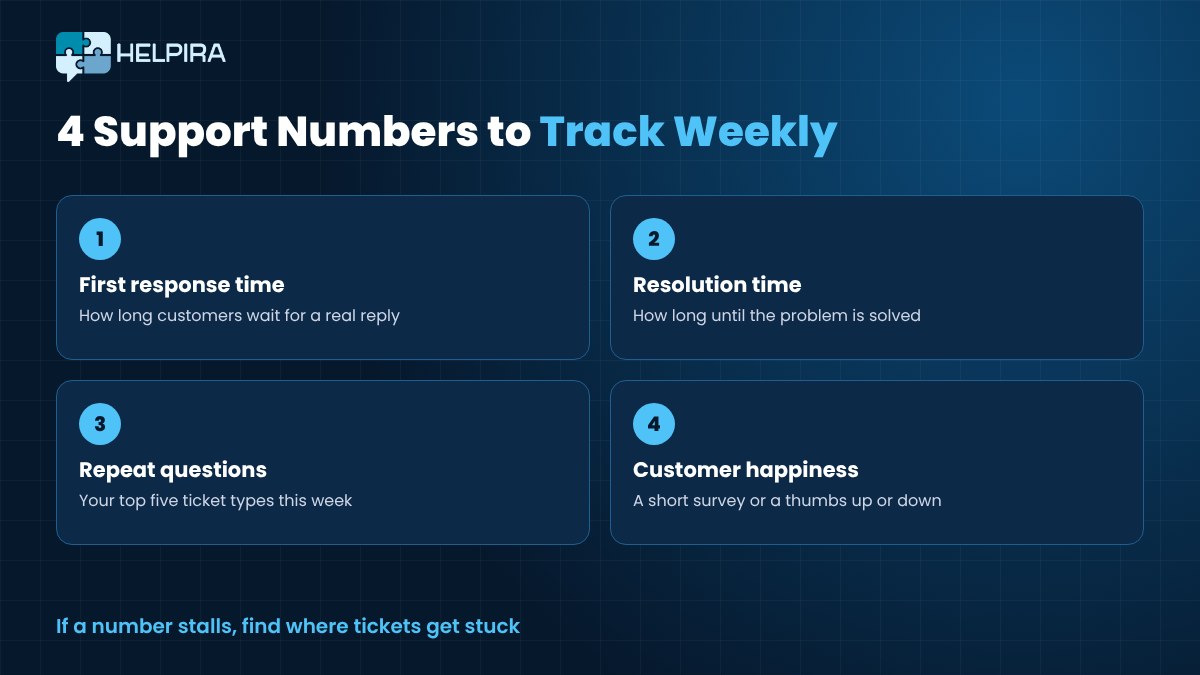
You don't need a fancy dashboard. Just keep an eye on these.
- First response time.
- Resolution time.
- Your top five repeat questions.
- How happy customers are, from a short survey or a simple thumbs up or down.
If the numbers move the right way, keep going. If they don't, look at where tickets are getting stuck.
How Helpira Speeds Up Your Support

We built Helpira to make most of the steps above part of your everyday helpdesk.
Helpira learns your business, your customer questions and your replies, then drafts answers to new tickets. You check them and hit send. It can also rewrite a rough reply into a polished, courteous one, which is handy when a newer team member is answering.
It gives customers an instant answer from your existing answer bank, even before a ticket is created. You can turn common replies into one-click templates.
For the flow, you can assign and escalate tickets, give team members their own access and see how each person is performing. Sentiment analysis and AI summaries show you how a customer feels without reading the whole thread.
It connects to your email, keeps a record of every customer and their ticket history, runs customer surveys and has analytics and reporting built in. It can even nudge happy customers to leave a public review.
Helpira costs $6.99 a month or $67 a year.
Final Thoughts
You don't need a bigger team to answer faster. You need fewer repeat questions, better starting points for every reply and a clear path for each ticket.
Measure first. Answer the common questions up front. Build an answer bank. Let AI do the first draft. Route tickets properly. Then fix the reasons people keep asking.
Small changes. Big difference in how your customers feel about you.
If you're now weighing up which helpdesk to use, have a look at our guide to AI helpdesk software for small businesses.
FAQs About Support Response Time
What is a good first response time for customer support?
It depends on your business and your channel. Many small businesses aim for the same business day on email. The most important thing is to set a target, tell customers about it and meet it consistently.
What's the difference between first response time and resolution time?
First response time is how long a customer waits for the first real reply. Resolution time is how long it takes until their problem is fully solved. You want both to go down.
Will AI replies make my support feel impersonal?
Not if you use AI for drafts and keep a person reviewing them. Train it on your best real replies and keep humans on sensitive conversations.
How can a one-person business answer faster?
Start with a clear FAQ and five saved reply templates. Then check your inbox at set times each day instead of all day long, and fix the questions that come up most often.